


Field service software pricing compared in 2026
Which of eleven field service products publish a price, what the starting plan costs, how each one charges and what five users pay, on 4 November 2026.
JobField puts every tech on one schedule board, invoices on-site, and gets you paid — the modern way to run a field-service business.
Cancel yourself in Settings. No call, no contract.
Open JobField and the day is already in front of you — money in, jobs moving, crew on the map. Light or dark, your call.
Your AI Receptionist picks up when the team cannot. It asks what broke, takes the address and offers an open arrival window, then texts you the request and, on Pro and Platform, files it in your Bookings inbox, where one tap makes it a job.
 Answered by Sarah
A dryer that tumbles but will not heat. The receptionist narrowed it down, offered two windows, and had the visit on the board before the call ended.
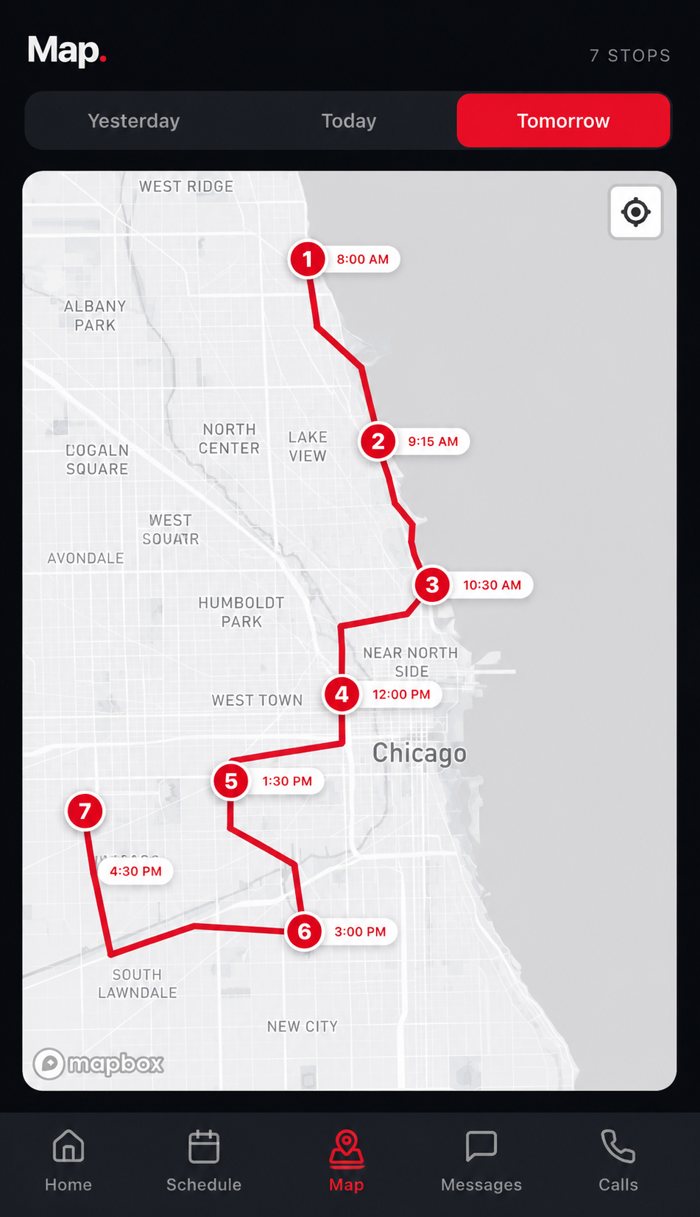
On Pro and Platform, the dispatch map shows the day's jobs in each tech's color, so you can see whose stops are already near an urgent call. Drag it onto that tech's column and it's on their phone before you hang up.
Build the invoice from your price book in seconds and take the card with Tap to Pay on iPhone. An Android tech texts a pay link instead. The payout lands in your bank account, in a few business days — no paper, no chasing.
On Pro and Platform, reports show revenue, profit, parts and labor by tech, by day and by job, counted from money that actually came in, so you always know where the business stands.
Drag the whole day across every tech. Drop a job, it's on their phone.
Business calls, directions, photos and notes. On Android it runs in the browser.
Answers the calls your team misses, day or night, and sends you the request.
Two-way texts and a call log on your business number, not on a personal phone.
Every job a customer ever had on one page, pulled up before you knock.
Keep your number and your data, and leave whenever you want.
Revenue, new bookings and every tech on a call, updated the moment it happens. Dark or light, the way you like to work.
From the truck to the front office to the owner's desk — everyone works off the same job.
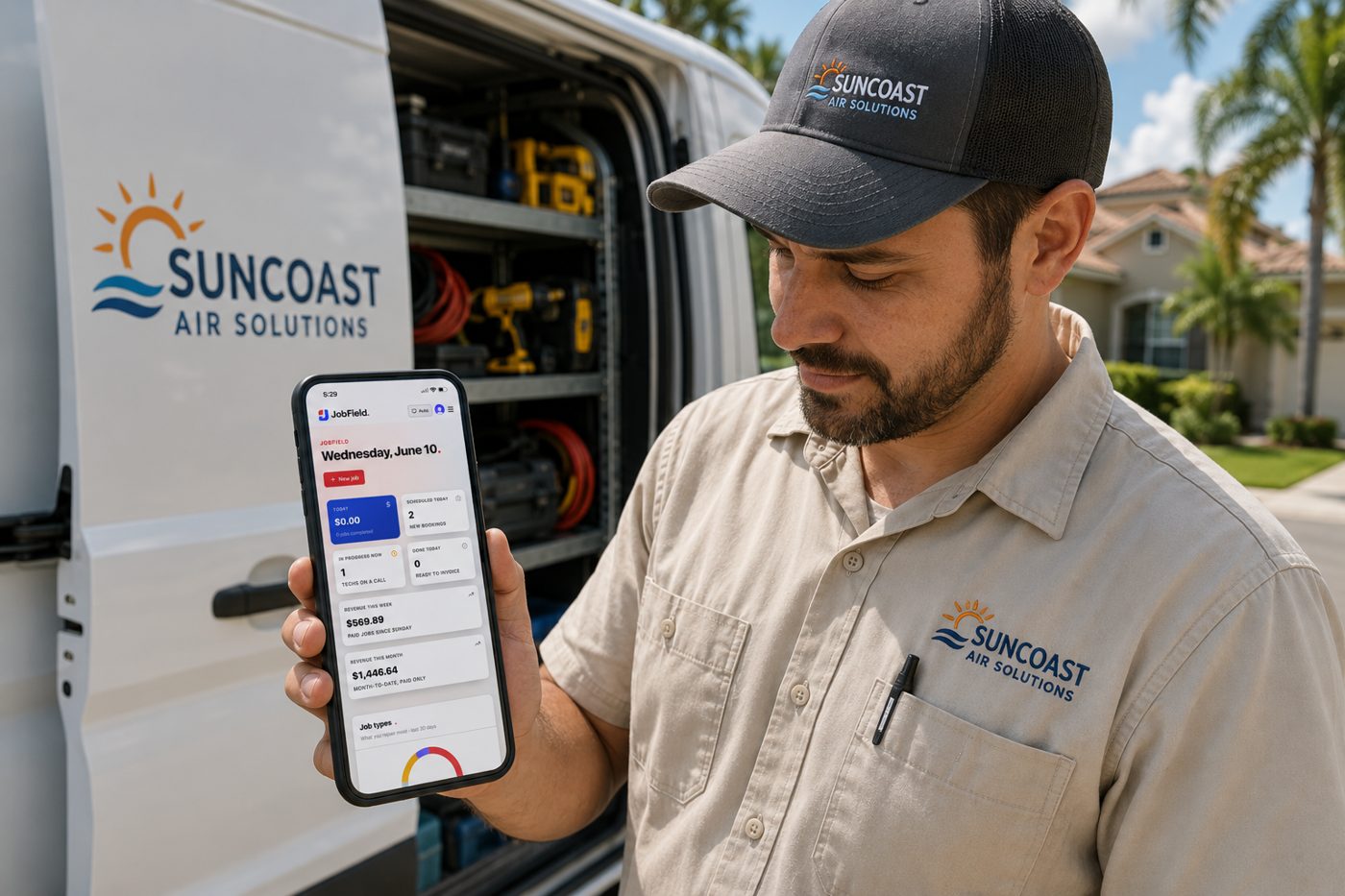 In the field
The day's stops in order with directions, Tap to Pay on iPhone and, with phone service, business calls that show who's calling, all in the JobField app. On Android the tech runs the same jobs in the browser and texts a pay link. No paperwork, no calling the office to ask what's next.
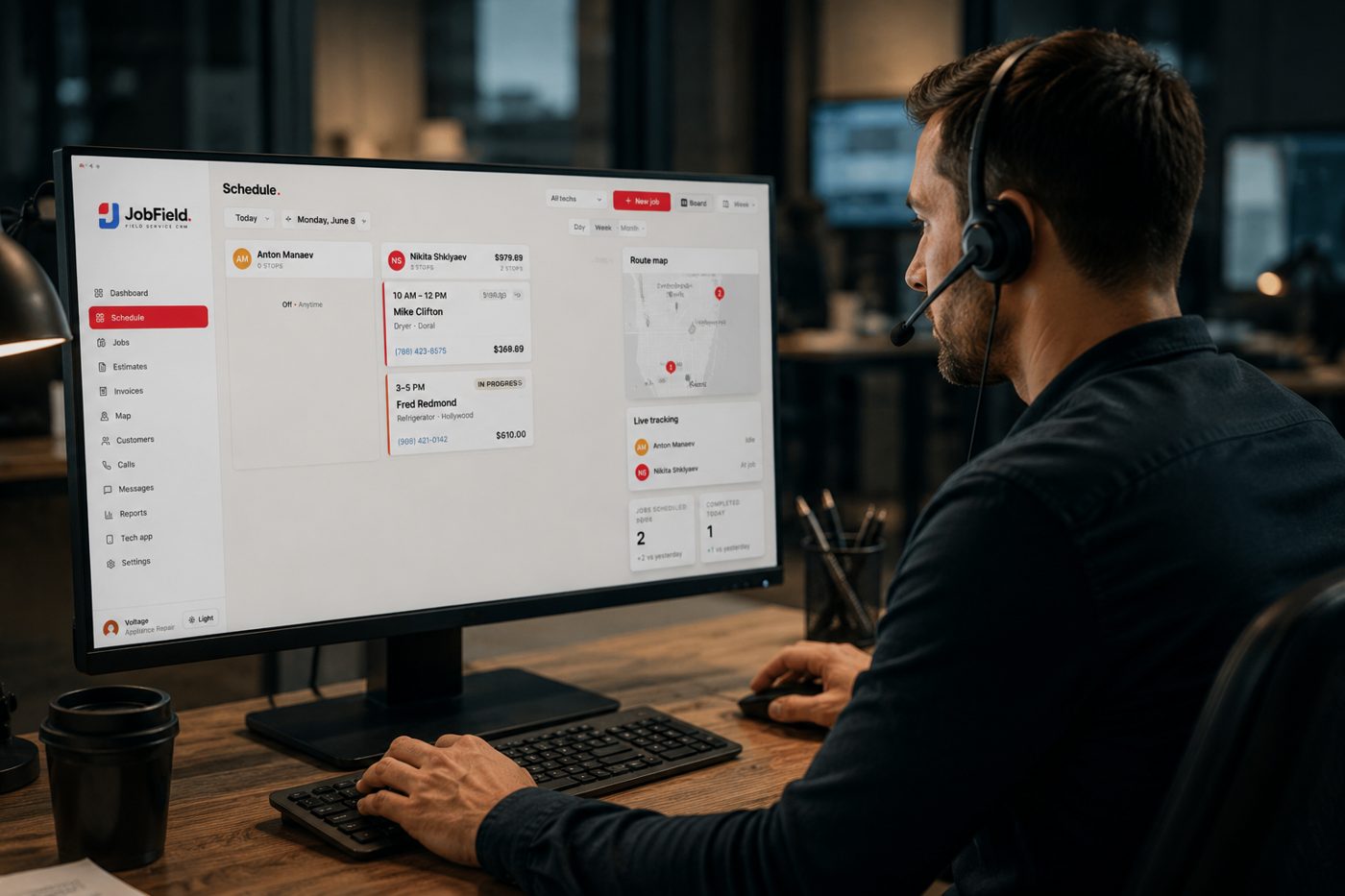 In the office
Every tech's day on the schedule board, and on Pro and Platform the day's jobs on the map. Drag, assign, done — no more phone tag.
 For the owner
Revenue for the week and the month and your top earners on the dashboard, and profit by tech in the reports on Pro and Platform, so you always know exactly where the business stands.
JobField started as the software for our own appliance repair company in South Florida. We still run our calls, jobs, invoices and payments on it every day. You would be one of the first shops to use it outside ours, and that comes with a direct line to the people who build it.

Every plan runs the whole job: scheduling, invoicing and getting paid. Move up as you add techs, the dispatch map and automation.
Phone service and the AI Receptionist are add-ons on any plan, and the AI Receptionist needs phone service. Both are priced separately.
All plans: no contract, cancel anytime — your number, your customers and your data stay yours.


Grow the crew without the bill spiking. Cancel anytime — your data stays yours.
Solo operators getting off spreadsheets.
Growing crews that live in the field.
Multi-crew shops that outgrew a five-seat plan.
Numbers, minutes and texting are billed separately, as an add-on on any plan. Basic is $39.99 a month with 1 number, 500 minutes and 1,000 texts. Plus is $99.99 a month with 3 numbers, 2,000 minutes and 3,000 texts. Max is $149.99 a month with 5 numbers, 3,000 minutes and 4,000 texts. Extra numbers are $7 a month each, and carrier registration is a one-time $19.99.
Answers the calls your team doesn't pick up, after hours too, offers the caller an open arrival window and files the request for your team to turn into a job. It answers on a line of its own behind your JobField number, so it needs phone service, and it goes on any plan once your subscription has had its first payment. 500 talking minutes are included each month, then it is $0.25 a minute.
Which of eleven field service products publish a price, what the starting plan costs, how each one charges and what five users pay, on 4 November 2026.
What a service business pays for JobField, Jobber and Housecall Pro at 1, 5, 10 and 15 users, from each vendor's pricing page on 4 November 2026.
Three ways to connect a field service CRM to ChatGPT or Claude, the exact steps for JobField, ten questions to ask, and what an assistant cannot do.
Hook JobField up to Claude or ChatGPT once. After that you ask them about your business the way you would ask a person — and they answer from your real jobs, schedule and money.
The link is a standard called MCP. You approve it once in JobField, and you can switch it off the same way.
Live with ClaudeLive with ChatGPT